
Working with a large number of Telegram accounts can quickly go beyond the capabilities of the standard client. When users need to manage multiple accounts, collect audiences, work with messages and comments, manage invitations and communities, and perform other repetitive operations, handling everything manually can become too time-consuming.
Specialized software suites are designed for these scenarios, combining multiple automation and account-management tools within a single interface.
Telegram PRIME is multifunctional software for managing Telegram accounts and automating various processes within the platform. It combines account management, audience collection, messaging, invitations, channel and group management, proxy support, account conversion, and a range of additional tools.
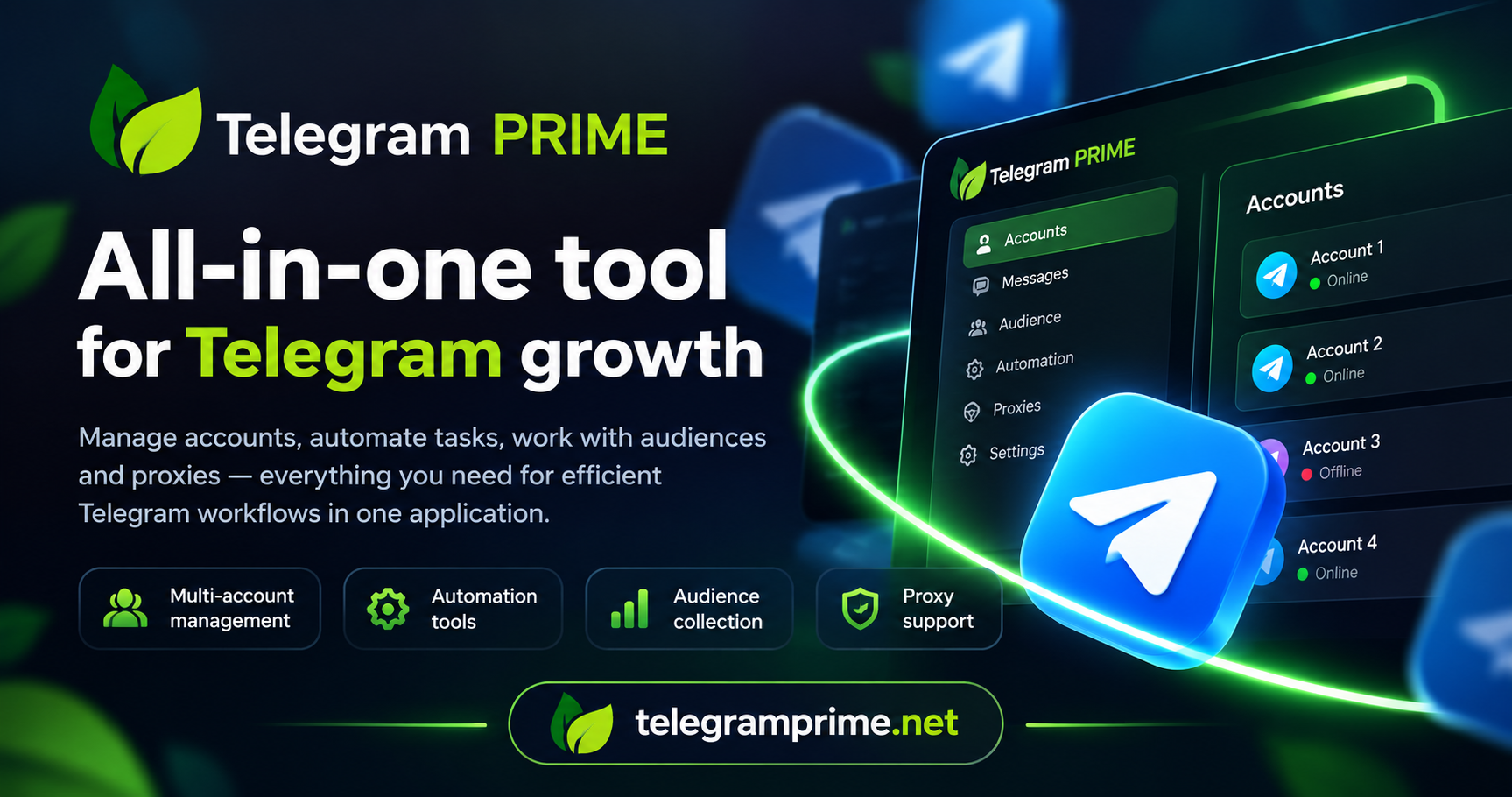
Telegram PRIME is a software suite designed for centralized management of Telegram accounts. Instead of performing each operation manually, users get a single interface through which they can manage accounts and run different automation workflows.
Interaction with Telegram is performed through the API. This approach makes it possible to perform a wide range of operations programmatically without relying on traditional browser automation.
The software is primarily aimed at users who need systematic management of multiple accounts: marketers, Telegram project owners, SMM specialists, community administrators, audience research specialists, and users building their own automated workflows.
A centralized dashboard for monitoring accounts, editing profiles, and performing multiple account-related operations.
Message sending, contact management, autoresponders, comments, automatic posting, and content personalization tools.
Search for Telegram groups and channels and collect users based on messages, comments, and other available parameters.
Creation and management of channels and groups, including participants, comments, publications, and other community-related operations.
Registration, account transfer, reauthorization, phone number changes, and conversion between supported account formats.
Support for HTTP and SOCKS5 proxies, connection checking, distribution, and proxy management for Telegram accounts.
One of the central components of Telegram PRIME is its account dashboard. It is used to centrally monitor Telegram accounts added to the software and perform different operations with them.
Available operations include:
This approach makes it possible to use one dashboard as a working environment for multiple accounts instead of manually managing each profile separately.
Telegram PRIME includes tools for account and chat warming. Their purpose is to automate sequences of regular account activities before accounts are used for further workflows.
At the same time, the developers emphasize that results depend on more than the software itself. Account age and history, proxies, workflow settings, and other parameters may all affect the outcome. Telegram PRIME should therefore be viewed as a configurable working tool rather than a completely autonomous solution that guarantees a particular result.
A separate category of tools is provided for preparing and transferring Telegram accounts. The software supports automated registration, transferring existing accounts, reauthorization, and changing phone numbers.
Existing accounts can be added to the software through authorization. The official documentation also describes QR-code authorization and support for different account storage formats.
A large part of Telegram PRIME’s functionality is related to messaging. The software can automate the sending of different types of content and the processing of incoming messages.
Spintax is supported for creating multiple variations of text. Users can define alternative words and fragments inside a single template, allowing the software to generate different versions of a message.
Another group of tools is designed for discovering Telegram communities and building user lists from publicly available Telegram data.
As a result, Telegram PRIME can be used not only to manage accounts but also to prepare and segment audiences for subsequent workflows.
The software includes tools for managing invitations to Telegram groups. Different member-adding workflows and automation scenarios for working with new participants are supported.
The developers also point out that Telegram’s limitations change over time. The actual capabilities of an account depend on its condition, age, usage history, and the restrictions applied by Telegram at the time of operation.
Telegram PRIME contains a separate group of features for automating account interactions with publications and Telegram communities.
In addition to its primary automation modules, Telegram PRIME contains several supporting tools for maintaining account infrastructure and simplifying routine operations.
| Tool | Purpose |
|---|---|
| Session ↔ TData | Conversion of Telegram accounts between supported formats. |
| Web View | Web access to an account without requiring prior conversion. |
| Proxy Manager | SOCKS5/HTTP proxy management, testing, and connection handling. |
| Blacklists | Management of exclusion lists to prevent repeated processing of the same objects. |
In addition to the standard license, the developers offer several optional modules. These modules are designed for more specialized workflows and are purchased separately.
A tool for transferring the structure and content of Telegram groups. The module works with group content; an existing audience is not automatically transferred.
Monitors messages according to specified triggers and can forward matching messages or save them locally.
Designed for transferring channel content. It can work with existing history and process new publications in real time, including replacement of specified content elements.
A specialized module for automating the submission of reports through connected Telegram accounts.
A module for extended discovery of Telegram groups and channels and processing community databases. The official documentation currently marks the module as undergoing maintenance.
According to the official FAQ, the standard monthly or lifetime license provides access to the core Telegram PRIME functionality. Five specialized modules are available separately.
| Type | Access |
|---|---|
| Monthly License | Core Telegram PRIME functionality |
| Lifetime License | Core Telegram PRIME functionality |
| Additional Modules | Chat Cloner, Reporter, Interceptor, Channel Cloner, and Explorer are purchased separately |
Yes. The developers provide a free 72-hour trial. Trial access can be requested through the service’s sales team.
The trial period gives users an opportunity to explore the interface and test the required functionality in their own working environment before purchasing a license.
Telegram PRIME is Windows software. According to the official documentation, the basic system requirements are as follows:
| Operating System | Windows 8–11 or Windows Server 2022+ |
| Architecture | 64-bit |
| CPU | 2 cores minimum, 4+ recommended |
| RAM | 4 GB minimum, 8+ GB recommended |
| .NET Framework | 4.7.2+ |
| Browser | Google Chrome |
Resource consumption depends on the number of simultaneous threads and running program instances. For continuous operation, the developers also suggest using a Windows VPS/VDS, allowing the software to run remotely and remain available without keeping a local PC online.
One Telegram PRIME license is intended for one machine and is tied to its hardware configuration. Multiple independent copies of the software can nevertheless be launched on the same computer to perform different tasks.
If the user changes their computer or server, purchasing another license is not required. According to the official documentation, the hardware binding can be reset through the service representatives.
Telegram PRIME is actively updated. The software checks for a new version when it starts, so users do not have to manually track every new release.
The official changelog regularly documents fixes, new features, and changes to existing modules. This is particularly important for software that interacts with the Telegram API because the platform and its limitations can change over time.
| Task | Telegram PRIME Capabilities |
|---|---|
| Managing multiple accounts | Centralized dashboard and bulk account operations |
| Audience research | Search, collection, and filtering of users |
| SMM and Telegram marketing | Messaging, comments, publications, and community management |
| Automation | Multithreaded processing of repetitive operations |
| Account infrastructure | Registration, transfer, conversion, and proxy management |
Telegram PRIME provides a large collection of tools, but the software itself does not remove Telegram’s platform limitations. The developers explicitly address this in their documentation and note that results depend on the selected workflow, account quality, proxies, account age, and user configuration.
Users should also take Telegram’s rules and applicable laws into account when working with automation. Particular care should be taken with large-scale operations, user data, and valuable personal accounts.
Telegram PRIME is not a single-purpose utility but a comprehensive environment for working with Telegram accounts. Account management, messaging, audience collection, community management, account registration and transfer, proxies, converters, and other automation tools are combined within one software suite.
This approach is primarily intended for users who have outgrown the capabilities of the standard Telegram client and need to centrally manage a large number of processes from a single interface.
At the same time, Telegram PRIME remains a tool: actual results depend on the selected workflow, the quality of the infrastructure being used, account condition, and user configuration. The availability of a 72-hour trial makes it possible to evaluate the interface and required functionality before purchasing a license.
